Documentation Audioguide > IPhone (IOS) English > Install
Documentation Audioguide
Install
For an optimal experience, we recommend installing the audio guide on your phone the day before your session by following the steps below. An internet connection is only required for the initial launch. Once launched, the audio guide functions offline.
Installing the Audio Guide on Safari (iOS)
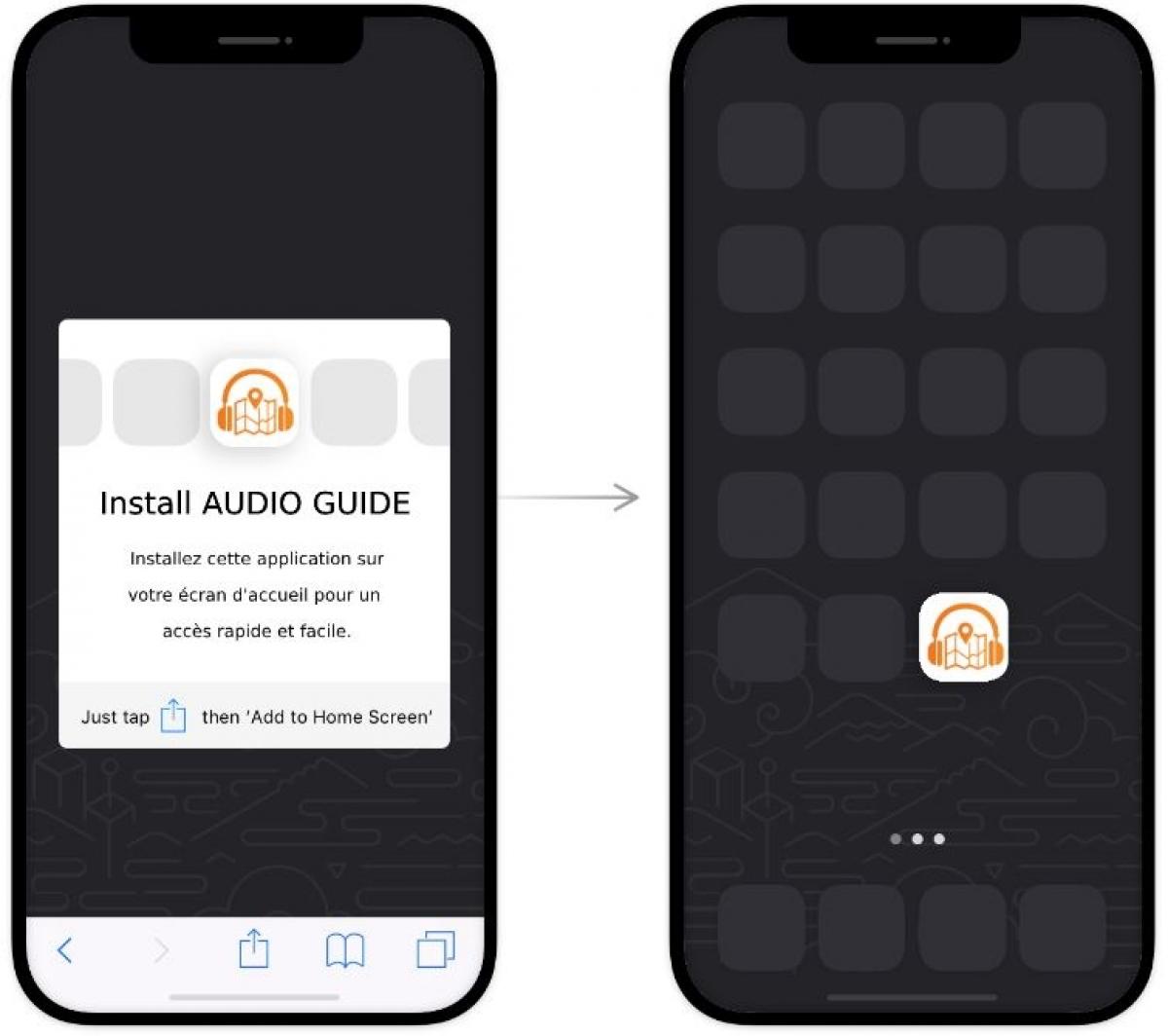
Here's how to easily install the audio guide on your iPhone or iPad:
-
Open the Audio Guide Link
Click the link provided by the organizer in your confirmation message.
-
Tap the Share Icon
Once the page loads in Safari, tap the share icon (a square with an arrow pointing upwards) located at the bottom center of your screen.
-
Add to Home Screen
Scroll through the options menu and select 'Add to Home Screen.'
-
Confirm Installation
Tap 'Add' in the top right corner of the screen to confirm the installation.
-
Access the App
The audio guide will now appear as an app on your home screen. You can access it directly whenever you're ready for your session.