Documentation Audioguide > IPhone (IOS) English > Usage

Documentation Audioguide
Usage
Once the app is installed on your phone, follow the steps below to fully enjoy the audio guide during your session.
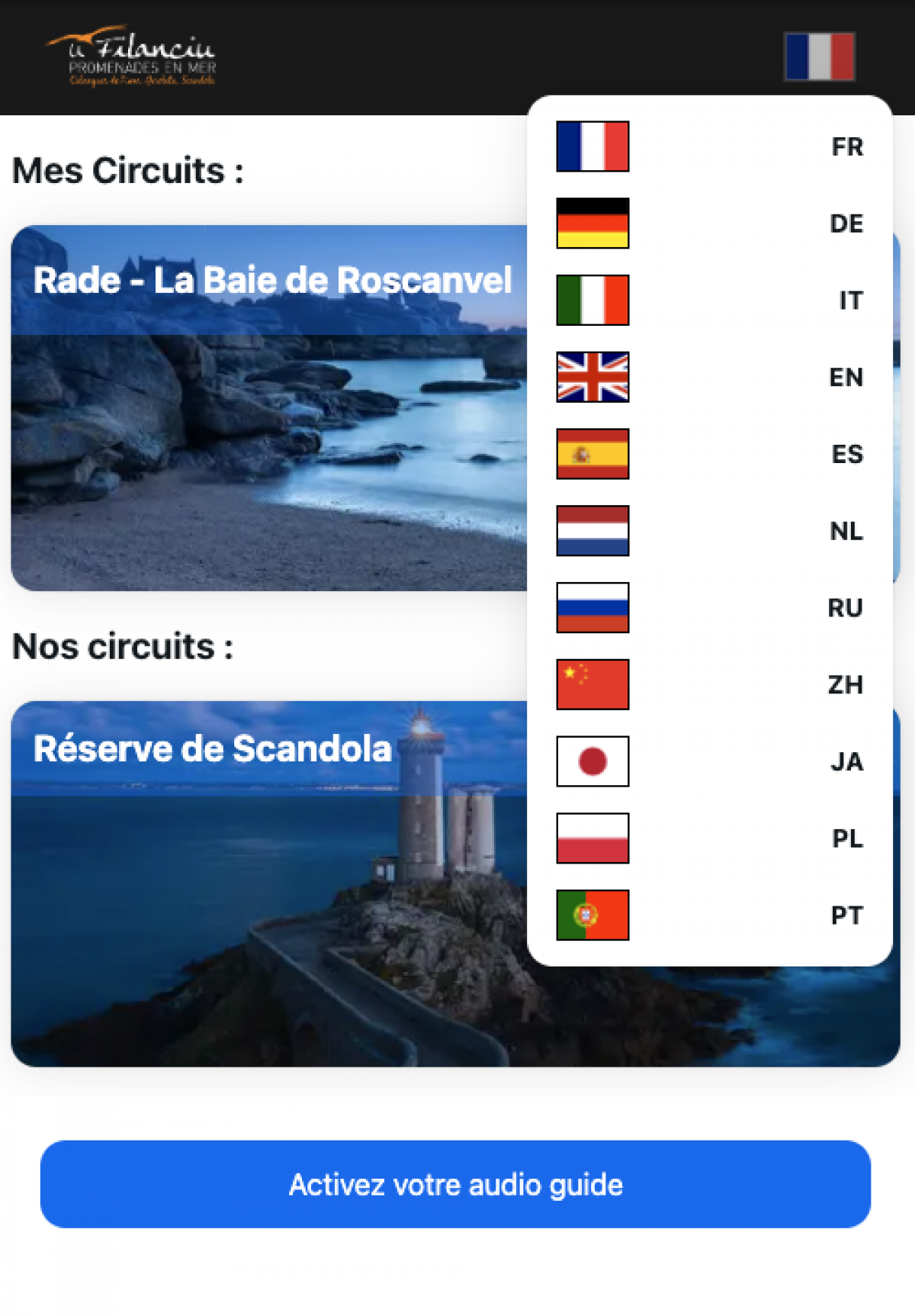
2. Select Language
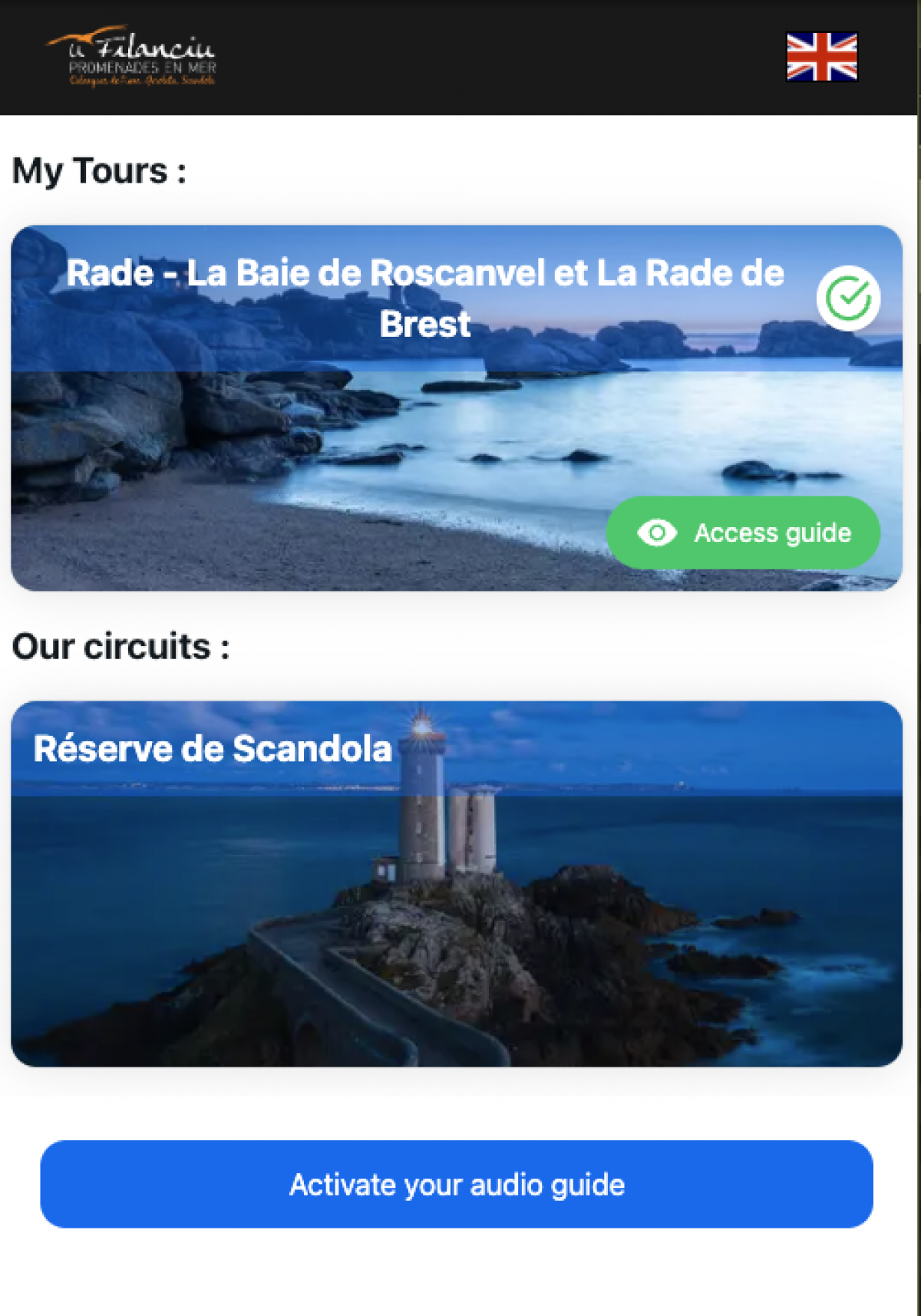
- Choose your language by tapping the corresponding flag.
- The interface will automatically reload in the selected language.
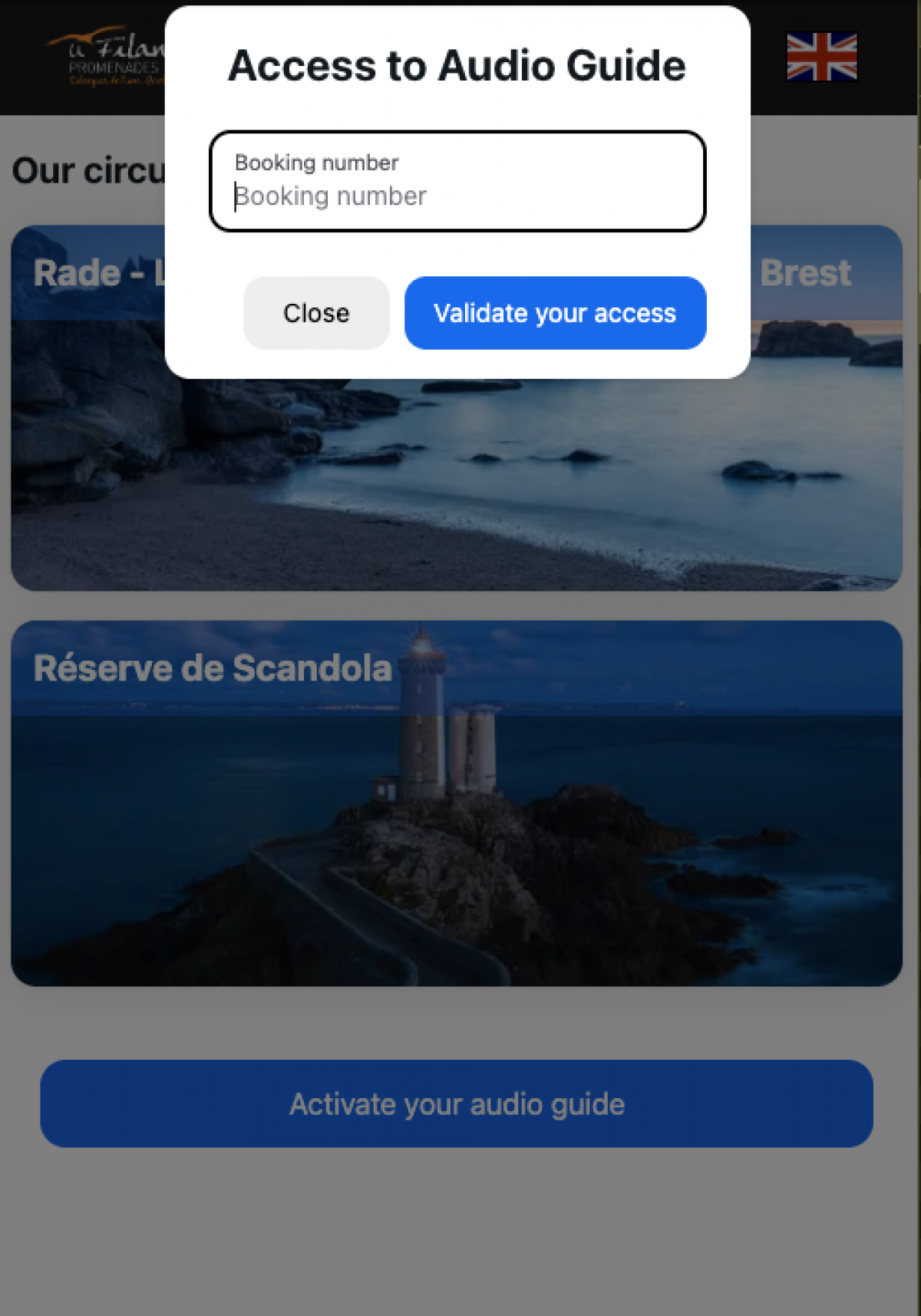
3. Activate the Audio Guide
- Tap the 'Activate Audio Guide' button.
- Enter the access code you received in your booking confirmation message.
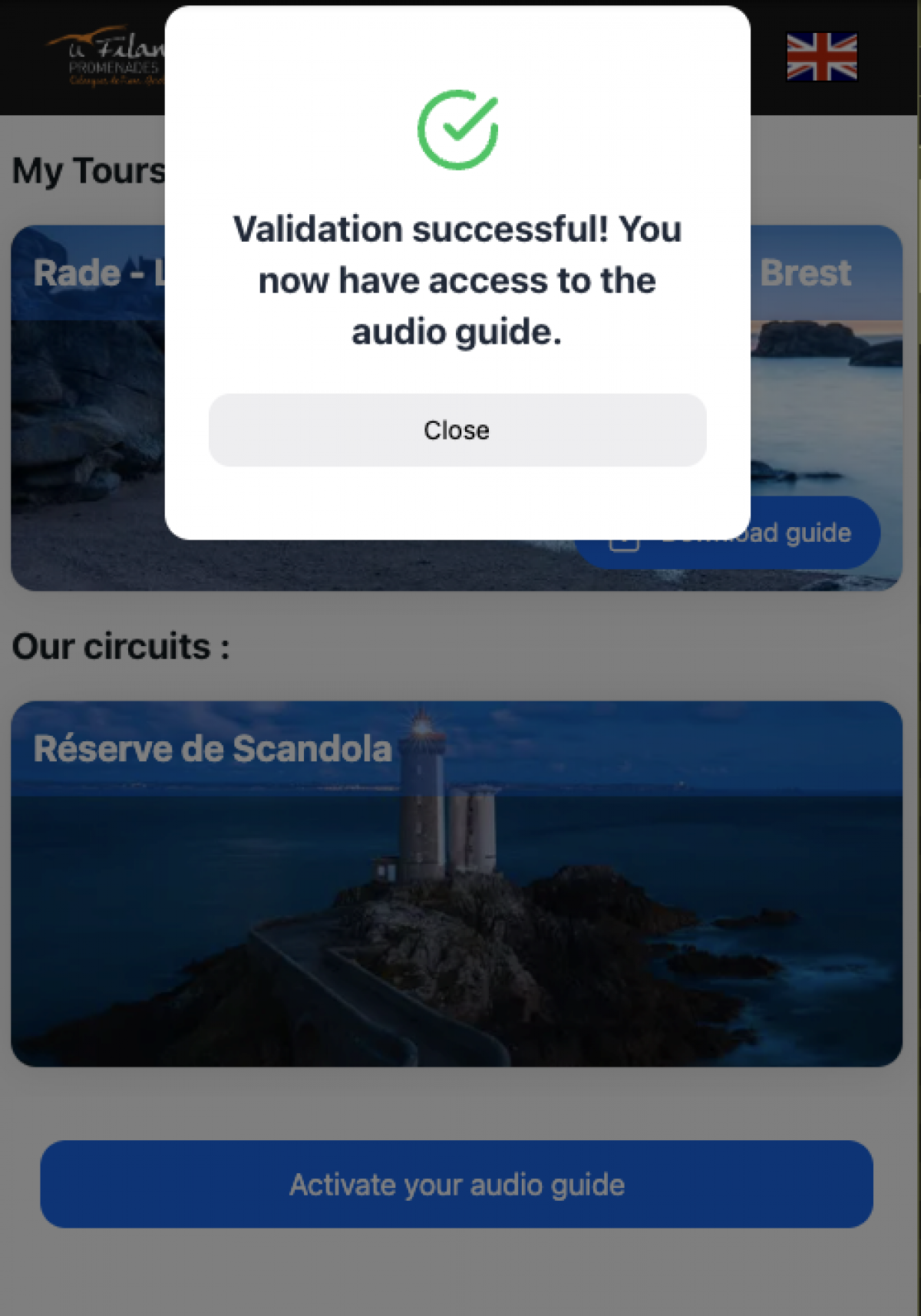
- Then click 'Validate Access.'
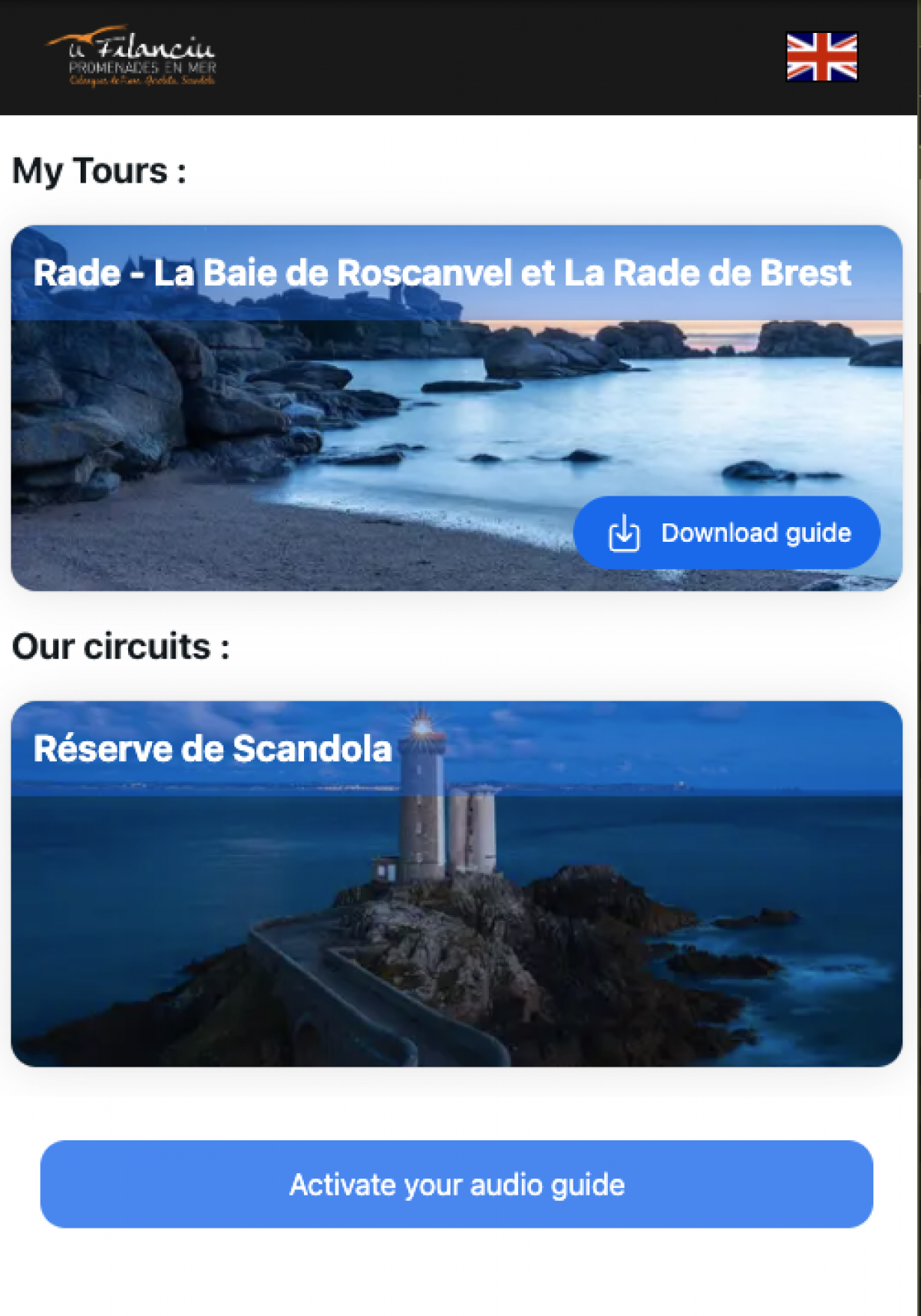
4. Download the Guide for Your Activity
- Click the 'Download Guide' button associated with the excursion you're about to do.
- Downloading the guide lets you use it even without an internet connection during your outing.
5. Start the Tour
- Once the guide is downloaded, click 'Access Audio.'
6. Follow the Map and Listen to Points of Interest
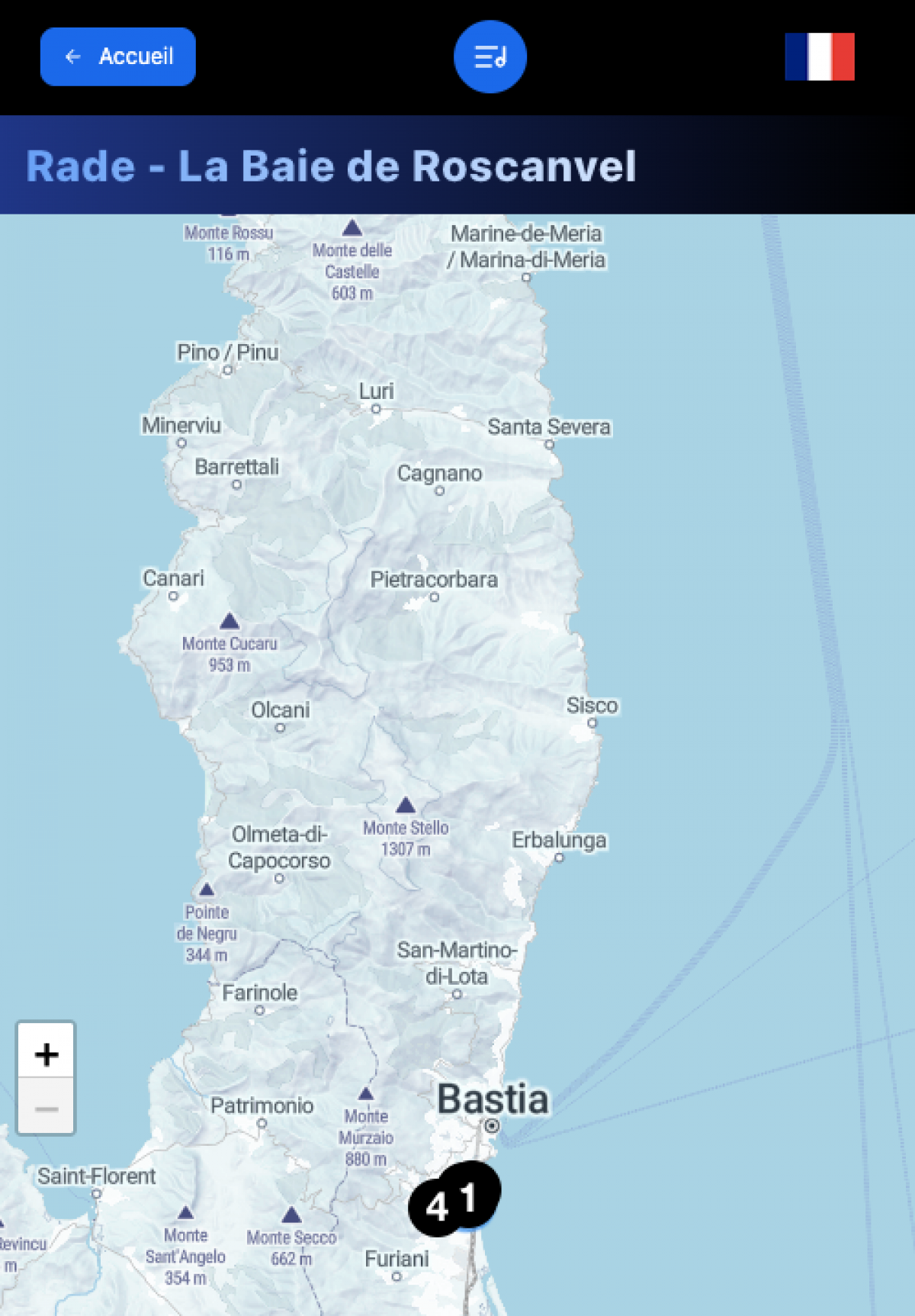
A map will appear displaying the different points of interest.
You can :
- Approach a point to trigger the audio automatically.
- Or manually tap a point to listen to its description.
Good to Know
- After activation and download, no internet connection is required.
- The system works using your phone's geolocation throughout the tour.